An amazing video and audio streaming tool
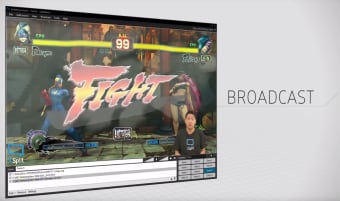
XSplit Broadcaster is a video streaming and production application that lets users combine video from different sources to produce both live streams for services such as Twitch and videos for sites like YouTube. It can work together with other apps to add features such as Twitch alerts to broadcasts. Robust, simple to use and free under a limited license, this is one of the most popular software packages for video game streamers.
Top Recommended Alternative

The basics
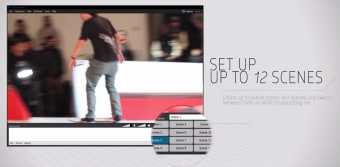
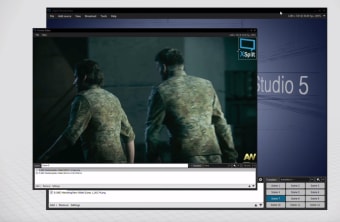
XSplit Broadcaster can combine footage from a number of different sources, which it calls "scenes." For instance, if you were creating a video game stream, you might assign one scene to the feed from the game itself, another to a camera showing the players and a third to saved video of earlier matches. A fourth scene could be the stream's logo or break graphic. Cutting between these during broadcast is as simple as clicking on the button that corresponds to each scene. The software also allows you to customize your video by adding features such as sound effects, graphic overlays, animations and other features. At its simplest, it can help you get a stream up and running with only a small amount of preparation, but its advanced options allow even more customization.
Adding more to your movie
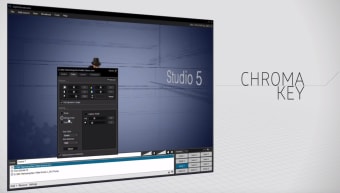
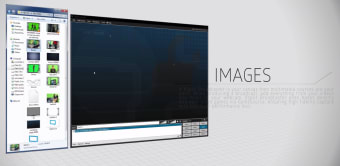
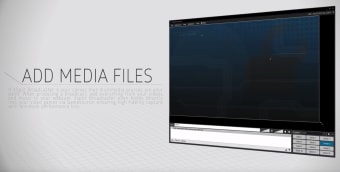
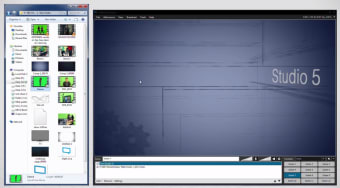
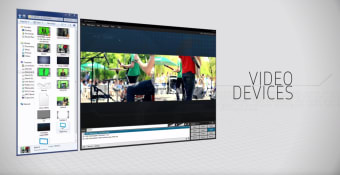
In addition to integrating with streaming services like Twitch, XSplit Broadcaster is also a useful video editing tool for creating more traditional videos, especially for users who upgrade to the premium version. You can simply drag and drop images or media files and position them on the screen, making it easy to see what your viewers are going to experience. Adding text, including 3D text, is simple, and of course you can edit video files, add transitions, and even replace superimpose videos on each other using chroma key (although shooting this kind of video might be a little beyond most home streamers' capabilities). This software is versatile and powerful, but it does have one or two drawbacks. Social media updates aren't perfect, and it might be worthwhile to check whether your stream's social media alerts have all gone out. It's also worth checking whether XSplit works well with your capture card: unsupported capture cards can lead to lowered frame rates when recording. And, of course, having a piece of software running at the same time as your game can sometimes have a minor impact on game performance, although this will vary from device to device.
A solid video application
XSplit Broadcaster is a useful, versatile and affordable streaming and video production product that works well with the other services streamers typically use. It offers a good level of customization, but is simple enough at heart that first-timers can learn to use it without too much difficulty. Full-time professional video editors might demand a little more, but most Twitch streamers or YouTube video creators will find that XSplit does everything they need and is pleasantly easy to learn and use.